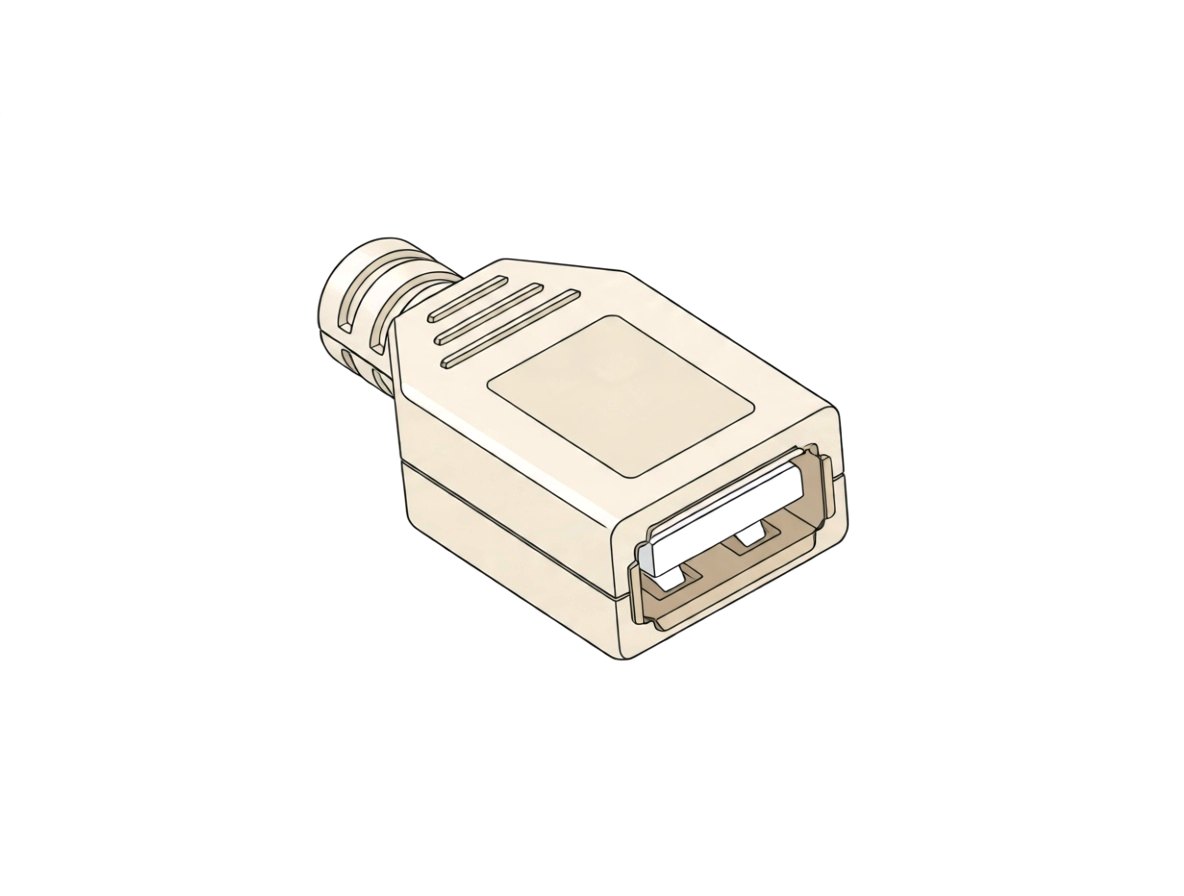
How it connects
The keyed plug slides straight into the receptacle in one orientation. Spring contacts make electrical contact and shell retention features hold the plug. An ordinary USB-A socket has no fluid seal.
Male and female halves
This is the female receptacle/socket. Its mating half is the male USB Standard-A plug; female describes the overall mating interface despite the insulating tongue inside the socket.
Usually connects to
- USB Standard-A/Type-A male cable plug, including A-to-C, Micro-B and Lightning charging cables
- USB-A device plug, such as a flash drive
Common sizes
- One Standard-A mating format; approximate opening 12.0–12.5 × 4.5–5.1 mm, shell roughly 13.1–14 × 5.5–6 mm. Estimates are not verified manufacturing dimensions.
- USB 2.0 uses 4 contacts; USB 3.x adds 5 for 9 total in the same shell, often with a blue tongue.
- Charging outlets are typically rated 5 V, 2.1–2.4 A, sometimes shared between ports. Housing, PCB footprint and mounting vary.
Where it is used
Computers and USB hubsElectronic equipmentUSB power supplies, wall chargers and power banksUSB charging wall receptaclesAutomotive/vehicle chargersFurniture chargers
Variations
- USB 2.0: 4 contacts, often black/white tongue
- USB 3.x SuperSpeed: 9 contacts, often blue tongue
- Charge-only, BC 1.2, Quick Charge or vendor fast-charge signalling
- PCB through-hole/SMD, panel or cable mount
How to recognise it
Look for a broad rectangular metal-shielded receiving opening with an insulating tongue carrying electrical contacts inside. Confirm the Type-A designation or mating drawing; housing color alone does not establish USB version or charging capability.
Often confused with
| Confused with | How to tell them apart |
|---|---|
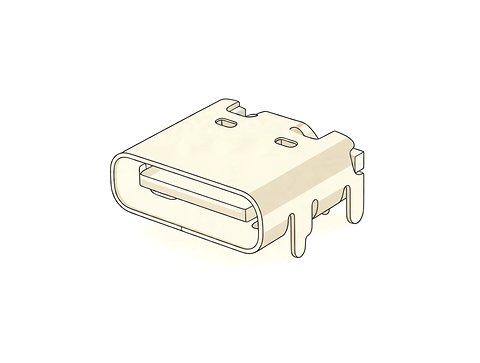
| USB Type-C receptacle | Type-C has a smaller, rounded and reversible mating opening; standard Type-A is rectangular and accepts its plug in one orientation. The male plug inserts into the female socket; the socket presents a receiving opening around an internal insulating tongue. The plug is a metal tongue-shell sticking out. The receptacle is a recessed slot in the face of the part. |
| HDMI / DisplayPort receptacle | Those are trapezoidal or have one cut corner; USB-A is a plain rectangle. |
| USB Standard-B receptacle | Standard-B is almost square, with beveled top corners. Type-B is near-square with bevelled top corners, used on device side (printers). |
Also called
USB Type-A female portUSB charging port
Good to know
USB-A ports on mains outlets are separate low-voltage sockets from the NEMA connection. Data support and charging current depend on the product; blue plastic alone does not prove SuperSpeed support.
Related connections
Design with real parts
Crafti checks which parts connect, right in your browser.